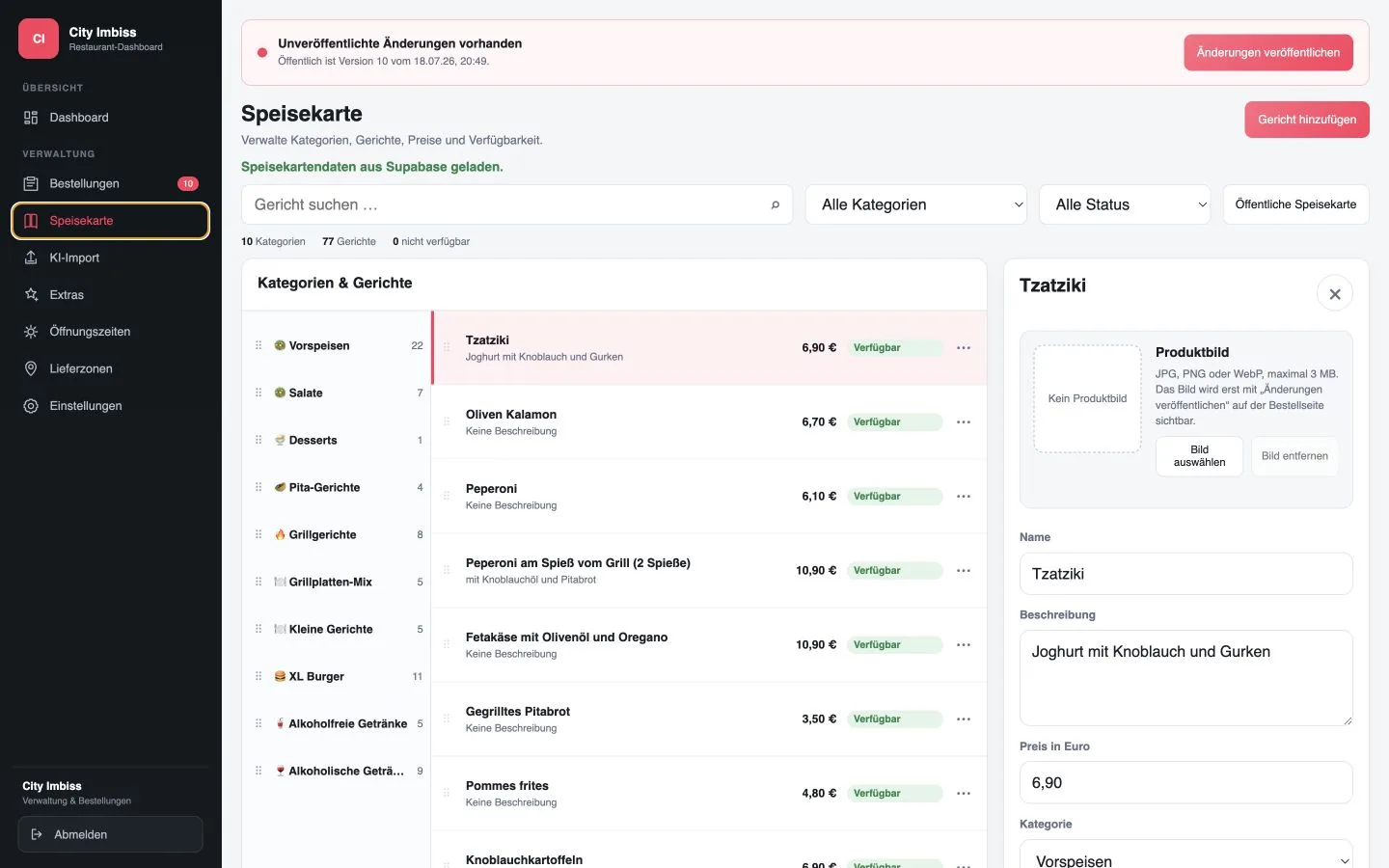
Online ordering system for restaurants: from the click to the kitchen
A guest clicks “order” on your website – a few minutes later a finished dish appears in your kitchen. In between there are many small steps that a good online ordering system takes care of invisibly in the background. This is exactly where it decides whether you work confidently and profitably or are dependent on platforms and chaos in the process.
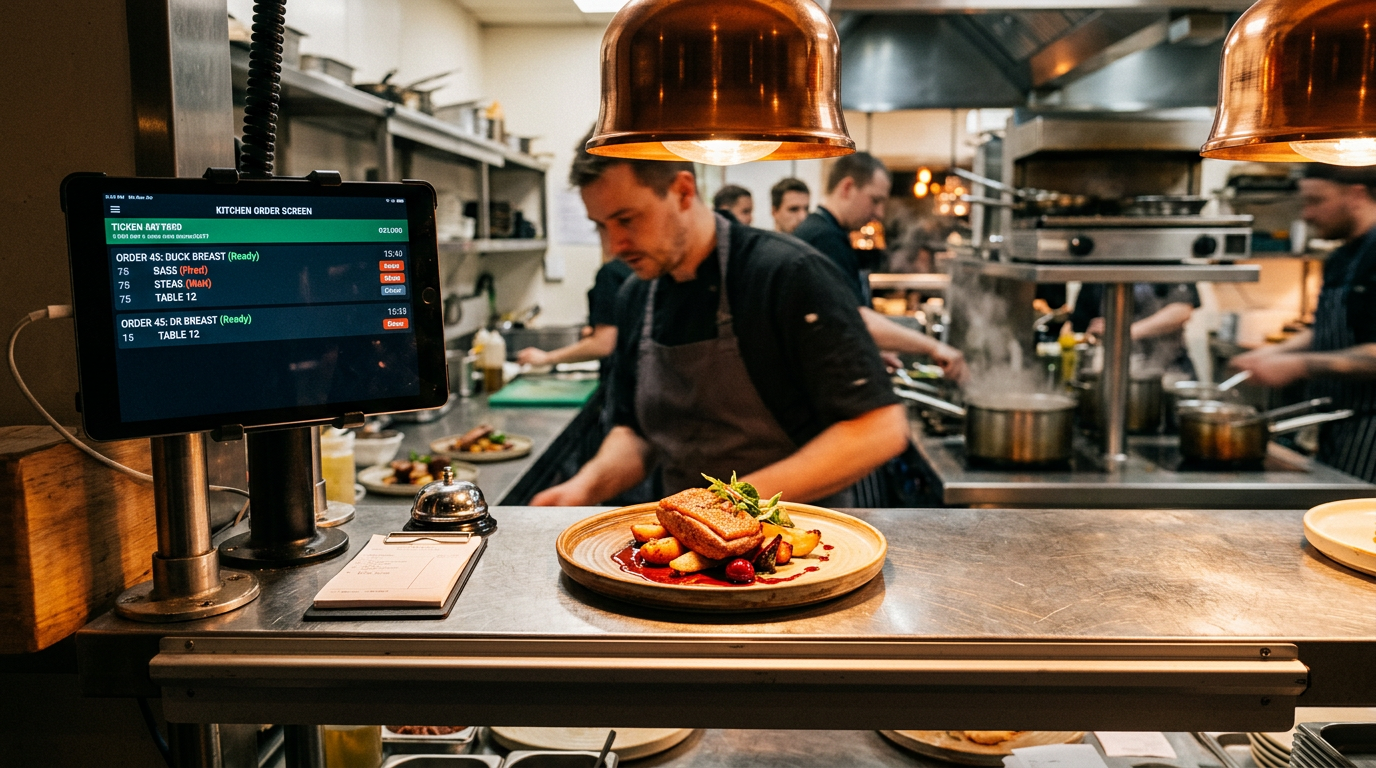
We'll show you how a modern one online ordering system for restaurants – specifically with GastroSprint – it works from the first click in the online ordering website to the finished order in the kitchen. Practical, without technical blah-blah and with a clear focus: direct orders, fewer commissions, more control.
The most important thing in brief
- This online ordering system checks right at the start Delivery zones, excluded postcodes and minimum order value - so that guests only order what you can serve.
- Menu, variants and extras are structured digital ordering system, which cleanly transfers price logic, availability and information to the shopping cart.
- This is controlled in the checkout system Payment methods (e.g. via Mollie Connect) and rules such as “Online payment mandatory upon delivery, cash payment possible upon collection”.
- After sending it lands Order in the dashboard: accept (with processing time) or reject – including automatic email notifications to the customer.
- In the kitchen, the order arrives via the kitchen screen (GastroSprint Kitchen Basic) or receipt printing (Print app for Mac/Windows); Statuses run from “new” to “complete”.
If you want to see how a direct ordering channel is set up in practice, take a look here Online ordering system for your restaurant to: https://gastrosprint.de/online-bestellsystem-restaurant/
Ordering channels: terms and meaning for restaurants
For many companies, “online ordering system“first a technical term. In practice, it's mainly about three things: costs, control and customer experience. A own online ordering website does not automatically replace the well-known delivery platforms, but it shifts the dependencies.
You bring your regular customers back to your own channel instead of permanently high ones Commissions to pay. Under one digital ordering system We understand the entire framework through which guests can order independently: online ordering website, website, restaurant app, order terminal - everything that triggers orders digitally and leads them to your dashboard.
Channels are the heart. A online ordering system for your restaurant should fit seamlessly into yours Website fit in instead of acting as a foreign body. Optionally, you can open additional channels with a restaurant app or an ordering terminal - it is important that everything ends up in one system so that you don't have to use several systems have to maintain in parallel.
- Costs: Direct orders reduce commissions, which on platforms often amount to 20 to 30 percent per order.
- Control: You determine the menu, delivery times, instructions, payment logic and promotions in your own online ordering website.
- Customer Experience & Data: You build your own, GDPR-compliant database - instead of handing over customer relationships to delivery services.
Digital ordering system in everyday life: online ordering website, website, restaurant app, order terminal
In everyday life one works digital ordering system only good if it adapts to your business – not the other way around. The most important building block is the online ordering website on your website. This is where it is decided whether a guest cancels or orders in a relaxed manner: clear categories, fast loading times, logical variants and extra selection.
The introduction should be clearly visible on the website itself: homepage, separate “Order now” page, buttons in the menu. Guests searching for “restaurant + delivery + location” often land on your domain first on Google.
In addition, a restaurant app can be useful, especially if there is a high proportion of regular customers. The app uses the same thing System in the background: same menu, same prices, same payment logic. An ordering terminal in the store can help with takeaway during peak times - the counter is relieved and everything stays in the restaurant -Ordering system documented.
- Online ordering website: The central ordering channel on your website – here UX counts in seconds.
- Website: Entry points (buttons/pages) ensure that guests do not migrate to portals.
- Restaurant app: Shortcut for regular customers, but identical logic as in the online ordering website.
- Order terminal: Relieves pressure on the counter and reduces misunderstandings, especially in takeaway.
Direct orders instead of delivery services: commissions, customer data, customer experience
Why should you have your own? Ordering website build up when delivery services bring you orders? Because otherwise you would permanently pay rent for every regular customer – in the form of commissions. Many portals take 20 to 30 percent per order.
Move your orders piece by piece into your direct channel. You can clearly communicate on flyers, on packaging, on social media and on your website: “Order directly from us”.
In addition to commissions, there is also customer data. In your own online ordering system You can – with your consent – use structured data: email, telephone number, order history. And when it comes to the customer experience, you determine the rules: language, information, delivery times, promotions.
- Reduce commissions: Margins stay with you instead of going to platforms per order.
- Build customer data: With consent and GDPR compliant for real customer loyalty.
- Control brand & process: No rigid platform masks, just your shop, your rules.
Order online in the ordering system: The guest's path in the online ordering website
How does the process feel for your guest? A good online ordering website ensures that the path is clear, quick and without questions. Every unnecessary click costs you potential orders – especially on your smartphone.
The starting point is usually the choice: delivery or collection. Check it immediately afterwards digital ordering systemwhether the address is in one of your delivery zones. You define zones, minimum order value, delivery fees and excluded zip codes.
In the checkout, the system summarizes: dishes, subtotal, delivery costs, vouchers, final amount. The guest sees contact details, delivery/collection times and payment methods - here “I'll take a look” becomes a binding one Online ordering.
- Start: Choose delivery or collection, live check of delivery capability.
- Shopping cart: Dishes, variants, extras – price changes are calculated automatically.
- Checkout: Contact details, time, payment method – then the order goes to the dashboard and to the kitchen.
Delivery or collection: delivery zones, excluded postcodes, minimum order value, takeaway options
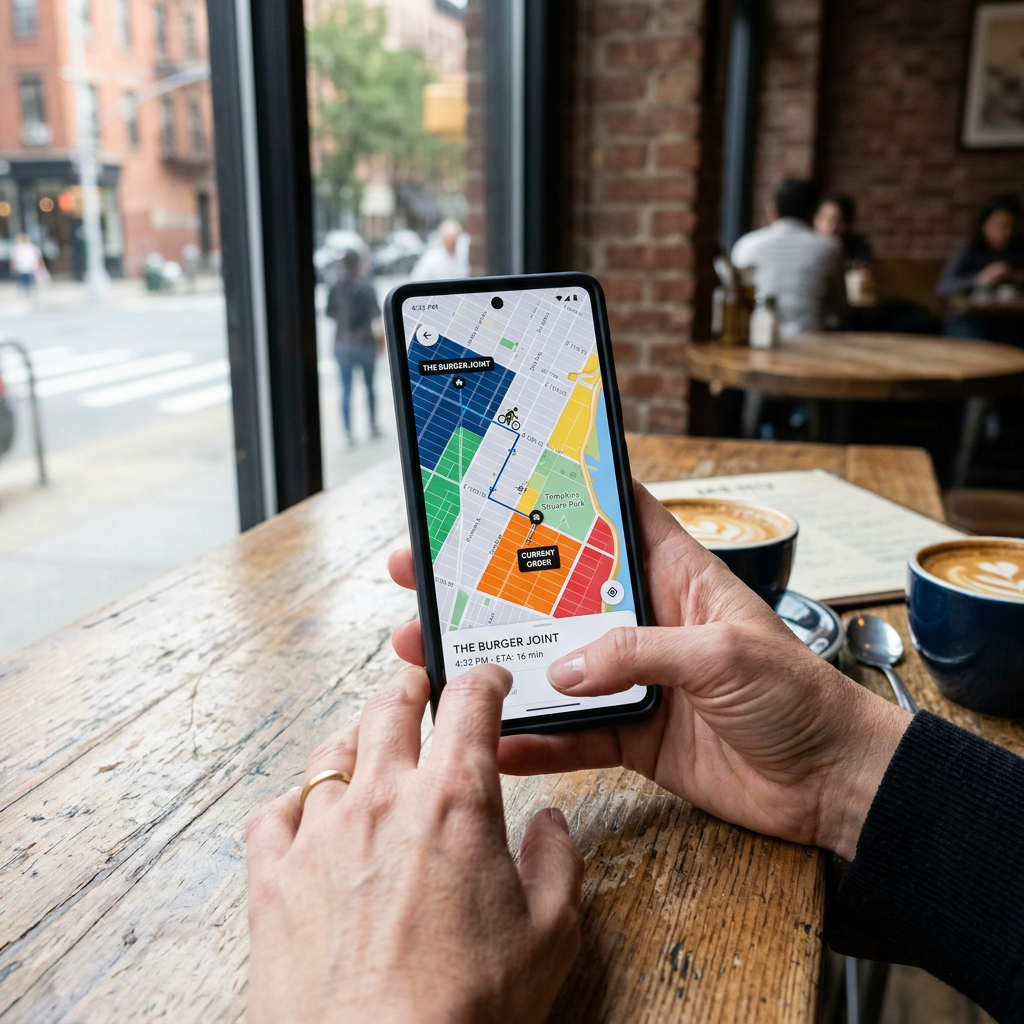
The separation between delivery and collection is crucial. A flexible one online ordering system lets you control both finely. For delivery, you define delivery zones, for example by district or postal code.
You set the minimum order value and delivery fee for each zone. Excluded zip codes are important to draw clear boundaries: A good one digital ordering system blocks invalid postcodes early or alternatively offers collection.
You can often use different rules for pickup (takeaway): no minimum order value, shorter lead times, other payment methods. In system Delivery and collection times can be controlled separately - useful if you can handle collection faster than delivery.
- Delivery zones: Control by district/zip code with fees and minimum order value.
- Excluded zip codes: Block early or offer pickup as an alternative.
- Takeaway options: Own rules for collection (time window, payment methods, minimum order value).
Menu & restaurant menu: variants and extras, price logic, instructions for meals
The menu is the heart of each online ordering systems. A digital ordering system allows you to structure dishes cleanly with variants and extras instead of creating a separate product for each option.
Example pizza: Variants are sizes, extras are ingredients such as additional cheese or gluten-free base. This system The price logic calculates automatically: basic price plus surcharge, depending on the selection.
Notes also help: allergens, spiciness, vegetarian/vegan. This reduces queries and ensures fewer errors in the kitchen.
- Variants: e.g. B. Sizes for pizza – without product duplicates.
- Extras: e.g. B. additional ingredients or special side dishes with surcharge logic.
- Notes: Allergens and properties (spicy, vegan, etc.) for fewer questions.
Voucher management and loyalty programs: Vouchers, coupons and loyalty in the checkout
With your own online ordering website, you can use vouchers and loyalty programs without being bound to third-party platform rules. Yours online ordering system should support voucher codes in checkout.
Vouchers can be in the form of a voucher or a percentage discount. A digital ordering system manages conditions such as validity, minimum order value, restrictions (pickup only, delivery only).
Loyalty programs go further: points or stamps per order, redeemable later. This way you reward exactly those guests who regularly come directly via your website online ordering system order – instead of paying commissions to delivery services.
- Coupons in checkout: Enter the code, the system checks and deducts automatically.
- Conditions: Validity, minimum order value, restrictions per channel (delivery/collection).
- Loyalty: Points/stamps to encourage direct orders.
Online ordering system in the catering industry: From the checkout to the dashboard and into the kitchen
Once you click “Order,” everything shifts to the backend: your dashboard and the kitchen. A strong one online ordering system in the catering industry Separates these worlds cleanly: The guest sees a clear process, internally you control everything via status, times and capacities.
The order appears in the GastroSprint dashboard with all data: dishes, extras, customer information, delivery/collection time, payment method, comments. Now your team decides: accept or reject.
At the same time, the order goes to the kitchen: via the kitchen screen (Kitchen Basic) or as a receipt via the print app. This system ensures that the kitchen gets a clear, reduced representation: items, variants, extras, special requests, time slots.
- Dashboard: Acceptance/rejection, processing time, status management.
- Kitchen: Kitchen Basic (screen) or print app (Mac/Windows) for receipt printing.
- Communication: Automatic email notifications (order confirmation, status, estimated time).
If you want to see the process as a compact process, use this page: This is how it works with GastroSprint https://gastrosprint.de/so-funktionierts/
Order status in GastroSprint: new → accepted → in preparation → on the way → completed
The status chain is the backbone of one online ordering systems. In GastroSprint an order typically goes through: “new”, “accepted”, “in preparation”, “on the way” (upon delivery) and “completed”.
“New” means: Order has been received but not yet confirmed. With “Accepted” you confirm it and trigger notifications. “In preparation” structures kitchen work.
“On the way” is relevant for deliveries. “Completed” ends the process. This clear status logic is one of the reasons why a professional Ordering system takes out so much stress compared to improvised solutions.
- New: Received, not yet confirmed.
- Accepted / In preparation: Internal control of commitment and kitchen process.
- On the way / Completed: Delivery status and order completion.
Acceptance with processing time & rejection: Estimate 2-4 minutes, information to customer
Speed of reaction is crucial. GastroSprint calls as Vendor estimatethat accepting a new order on average 2 to 4 minutes can take time - not as a measured average, but as a practical guideline for the process in the company.
When accepting, you give in digital ordering system a processing time: for example, pickup in 20 minutes, delivery in 45 minutes. This information is automatically sent to the guest.
Sometimes you have to refuse: a driver fails, the kitchen is overloaded, an ingredient is missing. A good one online ordering system enables rejection in the dashboard, with information sent to the customer - when paying online, the reversal is initiated via the payment provider.
- Guideline: Acceptance usually within 2-4 minutes (provider estimate).
- Processing time: Confirm pickup/delivery with realistic times.
- Rejection: With customer information; Refund process via payment provider for online payments.
Kitchen screen (Kitchen Basic) & receipt printing: Output via screen or print app (Mac/Windows)
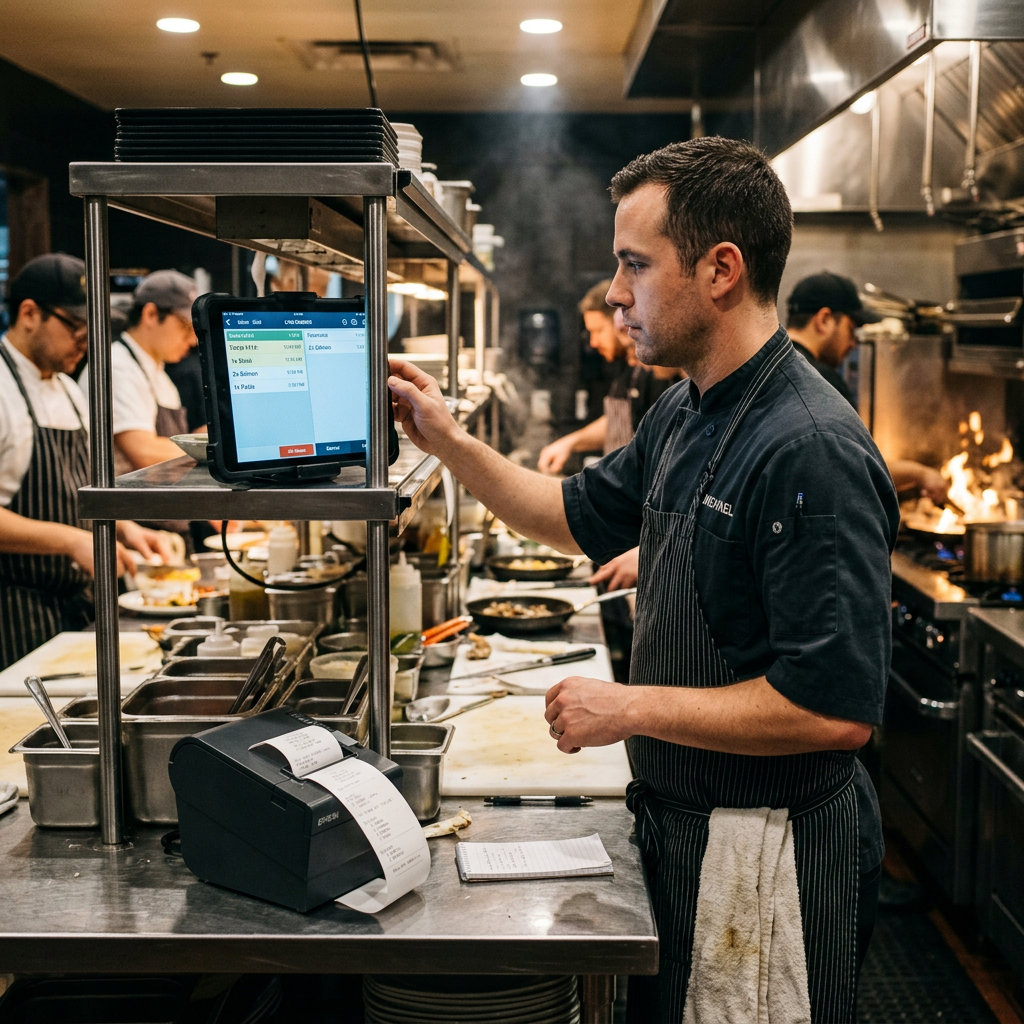
The kitchen is where it decides whether yours online ordering system really brings added value. Two ways are common: kitchen screen or receipt printing. GastroSprint supports both: Kitchen Basic and the print app for Mac and Windows.
Kitchen screen: Orders appear in real time on a tablet/monitor. This digital ordering system sorted by time window and status; the team can process tickets, update statuses and keep track of everything.
Receipt printing: Orders are automatically printed as receipts via the print app - depending on the setup, also stationary (e.g. kitchen/bar). The team works with paper, but the data comes out cleanly system.
- Kitchen basics: Live display, sorted by time slot and status.
- Print app: Receipt issuance under Mac/Windows, optionally per station (kitchen/bar).
- Status work: Step-by-step processing reduces chaos and improves processes.
What happens in the background: payment processing, integrations, data & GDPR
Everything seems simple to the guest. Yours is in the background online ordering system ensure that payment processing, integrations and data protection run smoothly. This is exactly where “shop” separates itself from professional ones Gastronomy ordering systems.
A central building block is the Payment processing. GastroSprint can process online payments such as credit card and PayPal via Mollie Connect. This is parallel POS system integration important so that sales and orders are not recorded twice.
And: GDPR compliance. Customer data must be protected, traceable and deletable. A serious one Provider clarifies where data is located, which contracts exist and how information/deletion works.
- Payment processing: Online payments via Mollie Connect plus cash payments depending on the channel.
- Integrations: Cash register system integration and API interface for clean data flows.
- Data protection: AVV, storage locations, consent and deletion concepts for GDPR compliance.
Payment processing with Mollie Connect: credit card, PayPal, fee logic and return processing
Mollie Connect is a popular solution for online payments. In GastroSprint this means: You link your Mollie account with the digital ordering system and activate payment methods such as credit card and PayPal.
Fees apply per transaction, depending on the payment method. This is usually more transparent and predictable than commissions from delivery platforms. Refunds can be initiated via the integration when an order is canceled.
Important: Sensitive payment data is held by the payment provider. Yours online ordering system stores references, not credit card numbers.
- Payment methods: Credit card, PayPal (plus others that you activate in Mollie).
- Fee logic: Transaction fees per payment method instead of platform commission.
- Refunds: Reversal processing via the payment provider in the event of cancellation/rejection.
Cash register system integration & API interface: cash register/POS, synchronize orders, webhooks to software providers
A online ordering system unfolds its full strength when it interacts with your cash register. Goal: no double entry, clean data, clear accounting.
About one API interface Orders can be transferred to a POS/cash register system - including items, tax rates and payment methods. Webhooks or interface events inform others Software provider in real time when orders arrive or status changes.
This is how yours will be Gastronomy ordering system Part of your system landscape instead of an isolated solution.
- POS/cash register: Handover of orders for fewer errors and clean billing.
- API interface: Data transfer including items, tax rates and payment methods.
- Webhooks: Real-time events to other software providers upon receipt or status change.
GDPR compliance: Where customer data is located, consents, order processing, deletion concepts
As soon as you have one online ordering system If you use, you process personal data: name, address, contact information, if applicable, order history. GDPR-compliant means: clear purposes, minimal data collection, access control, documented consent.
Order processing (AVV), transparent storage and processes for information and deletion are important. Consent for newsletters must be obtained and recorded separately from order processing.
A clean deletion concept takes tax retention obligations into account, but deletes everything that is no longer necessary. This way you remain legally secure and still have control over your customer data.
- Storage & purpose limitation: Collect only necessary data and document it clearly.
- AVV & consents: Order processing and separate newsletter opt-ins.
- Extinguishing concept: Pay attention to tax obligations and consistently remove unnecessary data.
Conclusion: What you take away after the first glance at the ordering system
A online ordering system is much more than an order button. From the first click through delivery zones, menu, variants, voucher logic and payment processing to the kitchen screen or receipt printing, many gears mesh together.
If they are set up properly, you reduce errors, improve processes and build direct channels that make you less dependent on delivery services. In the background, cash register system integration, API interface and GDPR compliance are crucial for data, processes and scalability.
If you want to plan the next step, use it Checklist: Online ordering in the restaurant as a guide: https://gastrosprint.de/ratgeber/online-bestellungen-restaurant-checkliste/
FAQ
How quickly do we see new orders in the GastroSprint dashboard?
New orders typically appear in real time in the GastroSprint dashboard once the guest completes checkout. It is crucial internally that someone is responsible for monitoring new orders and responding promptly.
Which payment methods are supported (and how does payment processing work with Mollie Connect)?
Through Mollie Connect you can offer online payments such as credit card and PayPal (plus other options that you activate in Mollie). Payment processing takes place via Mollie; the online ordering system documents the payment status and supports refunds in the event of cancellation.
How are delivery zones and excluded zip codes set up?
You define delivery zones (e.g. by zip code/region) and set the minimum order value and delivery fee for each zone. Excluded postal codes are stored in such a way that digital ordering system Blocks them automatically or offers collection as an alternative.
How do orders get into the kitchen (kitchen screen vs. receipt printing via the print app)?
With Kitchen Basic, orders come live to the kitchen screen. Alternatively, the print app (Mac/Windows) prints out receipts automatically. Both can be combined – depending on how your team prefers to work.
Where is customer data stored and is it GDPR compliant?
Customer data is processed as part of the system; AVV, defined storage locations, access concepts, consent and deletion processes are crucial. A suitable one system supports you in implementing information and deletion requests in a structured manner and only processing the necessary data.
Sources and product basis
- GastroSprint online ordering systemProduct overview of your own online ordering website and the order processes.Retrieved on