
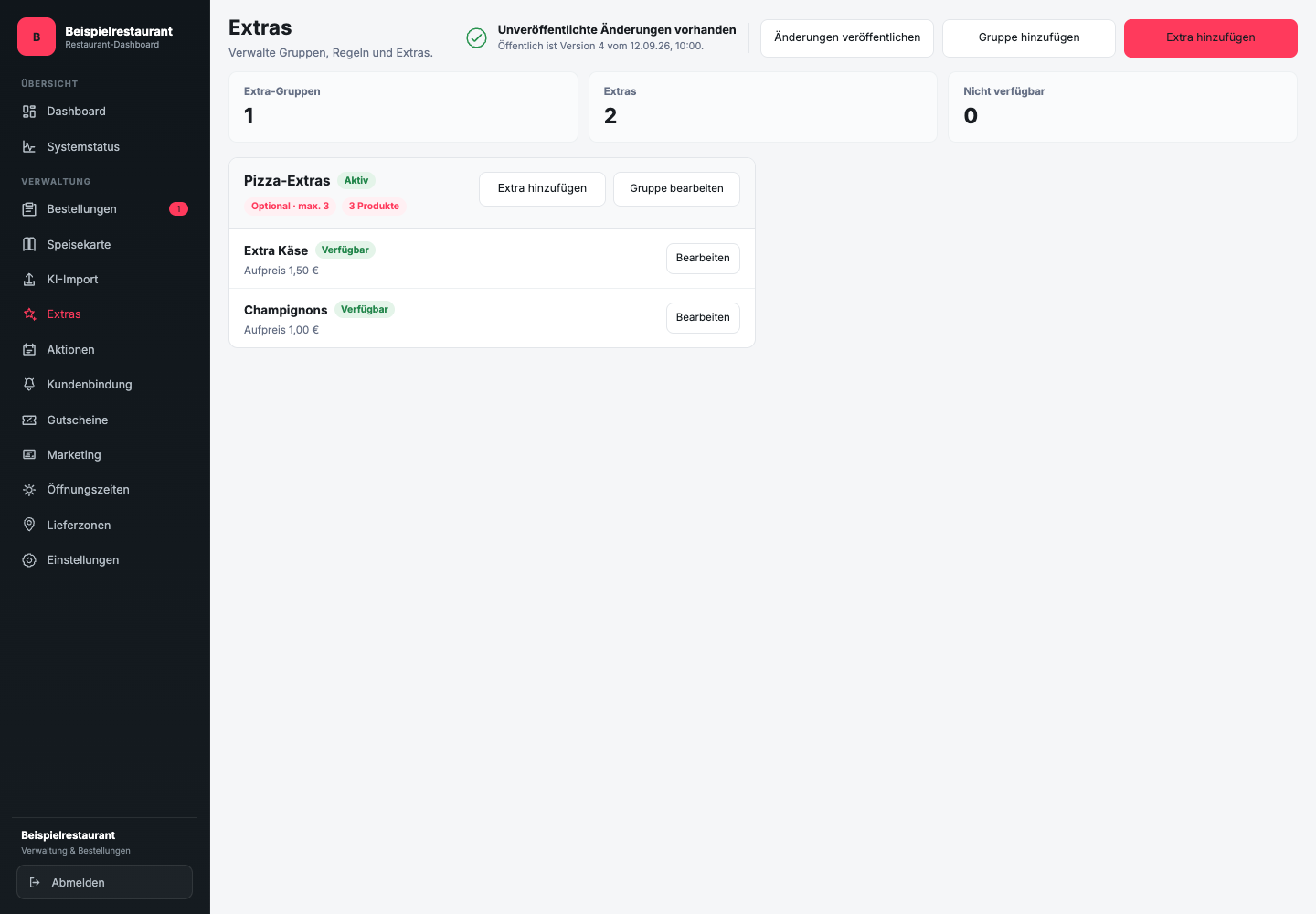
Where do you maintain sizes and extra groups?
Sizes: Open at Menu the dish and the tab Details. In the area Sizes or designs you add Add size the variants. Every size gets its own Total price, not just an extra charge. The basic price is taken from the lowest price for sizes.
Extras: Open Extras in the sidebar. About Edit group you set selection limits and the assigned products. Add the individual extras with their surcharges. A minimum quantity of 0 allows an order without these extras; a higher minimum number requires the selection.
Save the entries and check the assignment to the dishes before publishing.
What is a variant and what is an extra?
A variant describes a basic version of the product, for example small or large. An extra complements the selected version, such as additional sauce or cheese. The separation helps guests understand price and composition before submitting.
Don't use a variant if only one optional ingredient changes. Conversely, do not use a free extra for a mandatory size selection.
How do you name choices?
Formulate the selection in a way that is understandable without explanation from staff:
- “Select size” instead of “Option 1”
- “Small, 26 cm” instead of just “Small”
- “Extra cheese” instead of “cheese” if the base topping already contains cheese
- “Without onions” is only a choice if the kitchen can reliably implement this change
Deposit the confirmed surcharge for each paid selection. Free options shouldn't accidentally carry a price tag.
What do you check before and after publishing?
Before publishing, check the size prices, extra surcharges, selection limits and product allocations in the dashboard. Only release the draft if this information is correct.
After publishing, open the product in the public online ordering website. In the shopping cart, check a selection without extras, one with a paid extra and each mandatory variant. Do not submit these control orders.